Easy-Cut projects can be used to create new "Movie files", by simply :
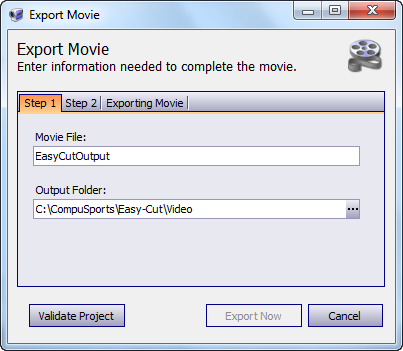
1 - Naming the Movie and the specifying the Location where it should be saved.
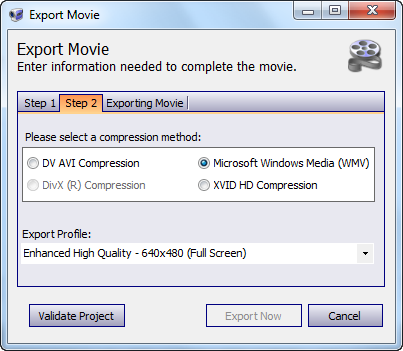
2 - Selecting the type of Compression Method that should be used to create the new Movie File. Compressing the video file that is exported results in a video file that is smaller and more portable than the "original".
There are two other Windows Media options, one for producing a Medium Quality "small screen" video files for downloading and another for producing a file for "Streaming" Video that is played over the web.
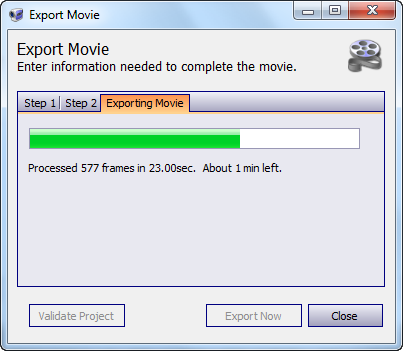
3. Making the Movie - using the name, location and quality settings you specified.
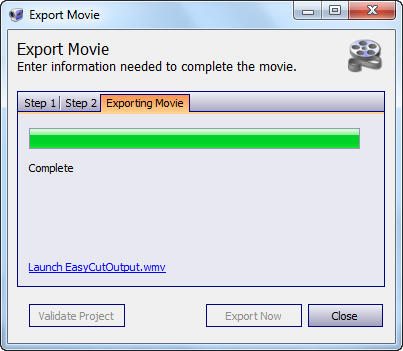
4. Viewing the Movie - the Link will launch the new movie in the Windows Media Player (or whatever is set as the default video player for WMV files).