Easy-Recruiter v2.x
Adding Staff
Use the
Settings Pane
to Add New Staff Members:
Select the Settings Icon form the
Task Bar
.
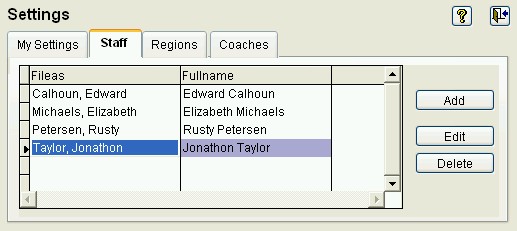
Select the Staff Tab, directly under the Settings heading in the upper control panel.
Then select the
Add
button.
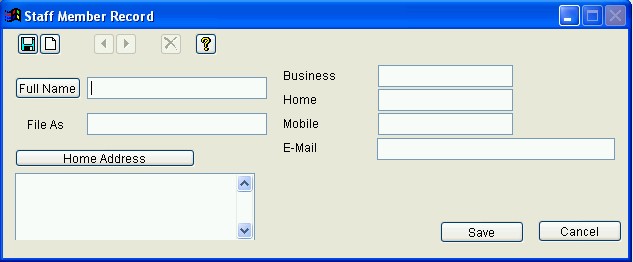
Enter necessary information then click the
Save
button.
See also:
Viewing Information
|
Settings Pane
|
Adding Supporting Information
|
Editing Information
|
Deleting Information
|
Last Updated:
11/12/04
 Adding Staff
Adding Staff
Adding Staff