The Add Games form shown below is used when adding a new game.
This forma can be accessed by clicking on the Add Game toolbar button  , or by selecting this option from the Game menu.
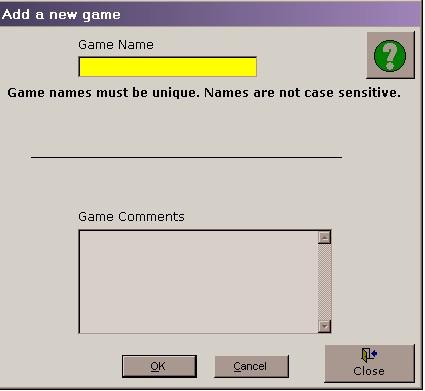
Enter a new and unique game name into the upper text box. The application is not case sensitive therefore using upper and lower case letters to distinguish different games will not be effective. Each game must be given a different name.
General comments about the game may be stored in the lower edit box.
By pressing OK the new game will be added and the main entry screen will open.
By pressing cancel the new game will be discarded and the add new game dialog box will close.
This form must be closed before exiting Easy-Scout XP.