Use the View Game toolbar button  or use the Game Menu to select the View Game option to use the form shown below. This form allows you to select an existing game for use with the Search Feature.
or use the Game Menu to select the View Game option to use the form shown below. This form allows you to select an existing game for use with the Search Feature. 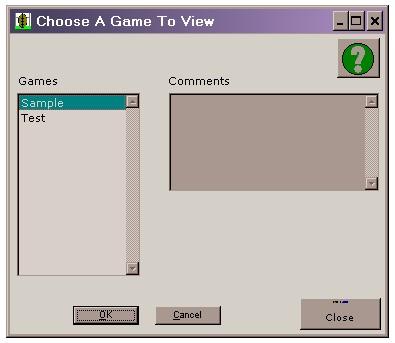
Simply highlight the game to be edited and press the OK button to view the Search screen.
The list box above has auto-search capabilities to allow games to be found in an efficient manner. Simply start typing the name of the game and the auto-search will locate the best match found. This feature is helpful when there are many items in the list.